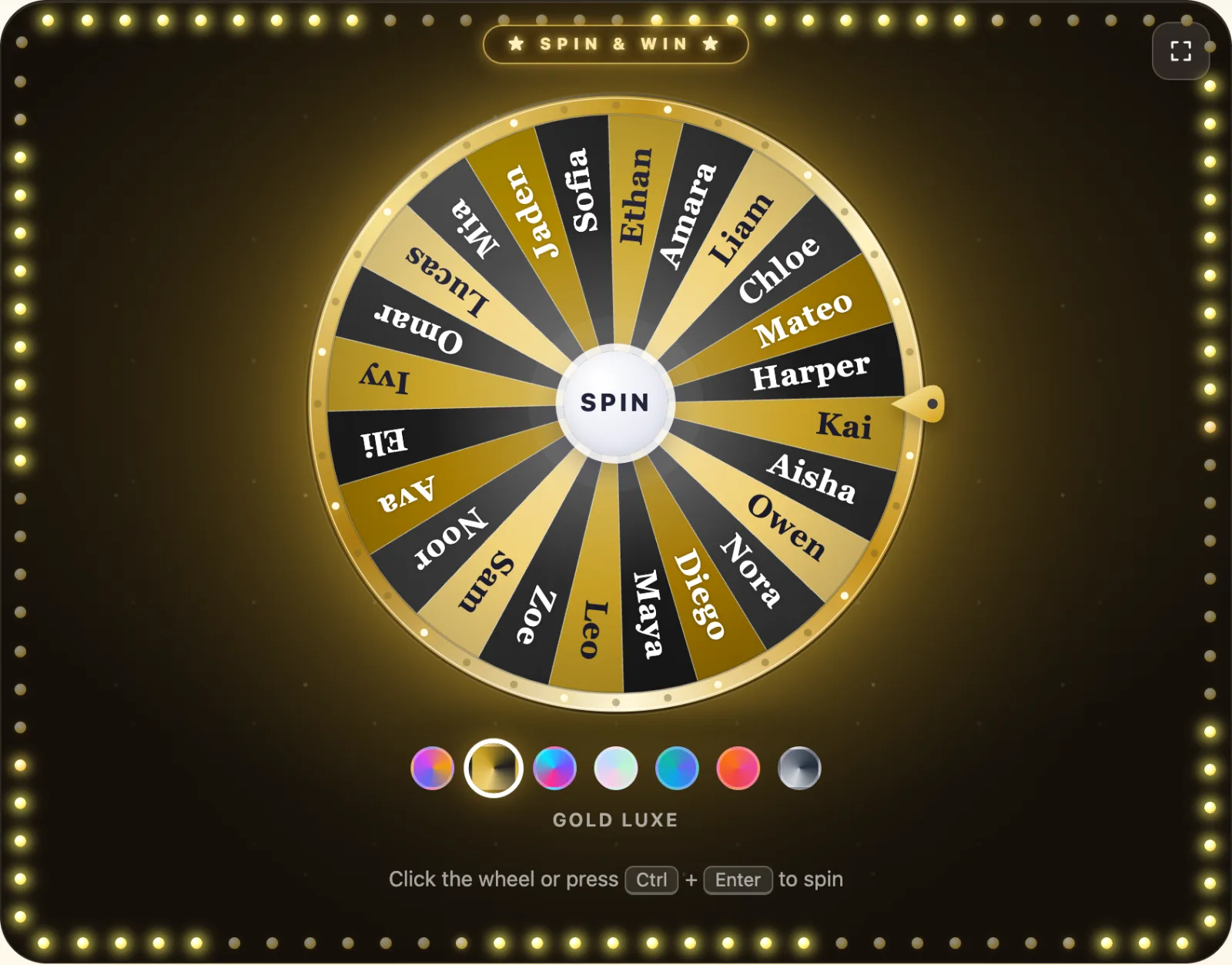
Every teacher knows the moment. You ask a question, three hands go up, and they belong to the same three students as yesterday. The rest of the room has learned that if they look down long enough, someone else will answer. A classroom name picker fixes that in one spin. Put the class list on a wheel, spin it, and the student whose name comes up answers. Nobody can accuse you of playing favorites, nobody can hide, and the suspense of the spin turns a routine question into a small event. This guide shows how to set up a free random student selector in under a minute, and then walks through 12 ways teachers use it, from cold calling and reading turns to random groups, classroom jobs and Friday prize draws.
Quick answer: The fastest classroom name picker is a spin the wheel with your class list on it. Paste the names, press spin, and the wheel picks one student at random. Choose Remove from wheel after each pick so everyone gets a turn before anyone is called twice. It is free, works on any whiteboard or projector, and needs no account for you or your students.
Why teachers use a random name picker
Calling on students at random is one of the oldest classroom routines there is. Many teachers keep a cup of popsicle sticks, one name per stick, and draw one when they want an answer. Those "equity sticks" work because they do three things at once:
- They spread participation. When anyone can be called, everyone has a reason to think about the question. The quiet student in the back is as likely to be picked as the one waving a hand.
- They remove the teacher from the choice. You are not picking on anyone. The stick, or the wheel, picked. That takes the sting out of being called and takes the bias out of who gets called.
- They make waiting time visible. Ask the question first, pause, then draw. During that pause the whole room is working on an answer, because nobody knows yet who will give it.
A digital random student selector does the same job with a few advantages. The names are on the big screen, so the whole class sees the pick. Nothing gets lost or chewed. You can keep one list per class and switch in a second. And a spinning wheel adds a moment of drama that a cup of sticks never had. The downsides of cold calling are real too, and we cover how to keep it kind further down.
How to set up a classroom name picker in 30 seconds
- Open the wheel. Go to PickWhim Spin the Wheel. There is no sign-up and nothing to install.
- Paste your class list. Copy the names from your roster or grade book and paste them into the Entries tab, one name per line. The wheel redraws as you type. You can also import a .txt or .csv file.
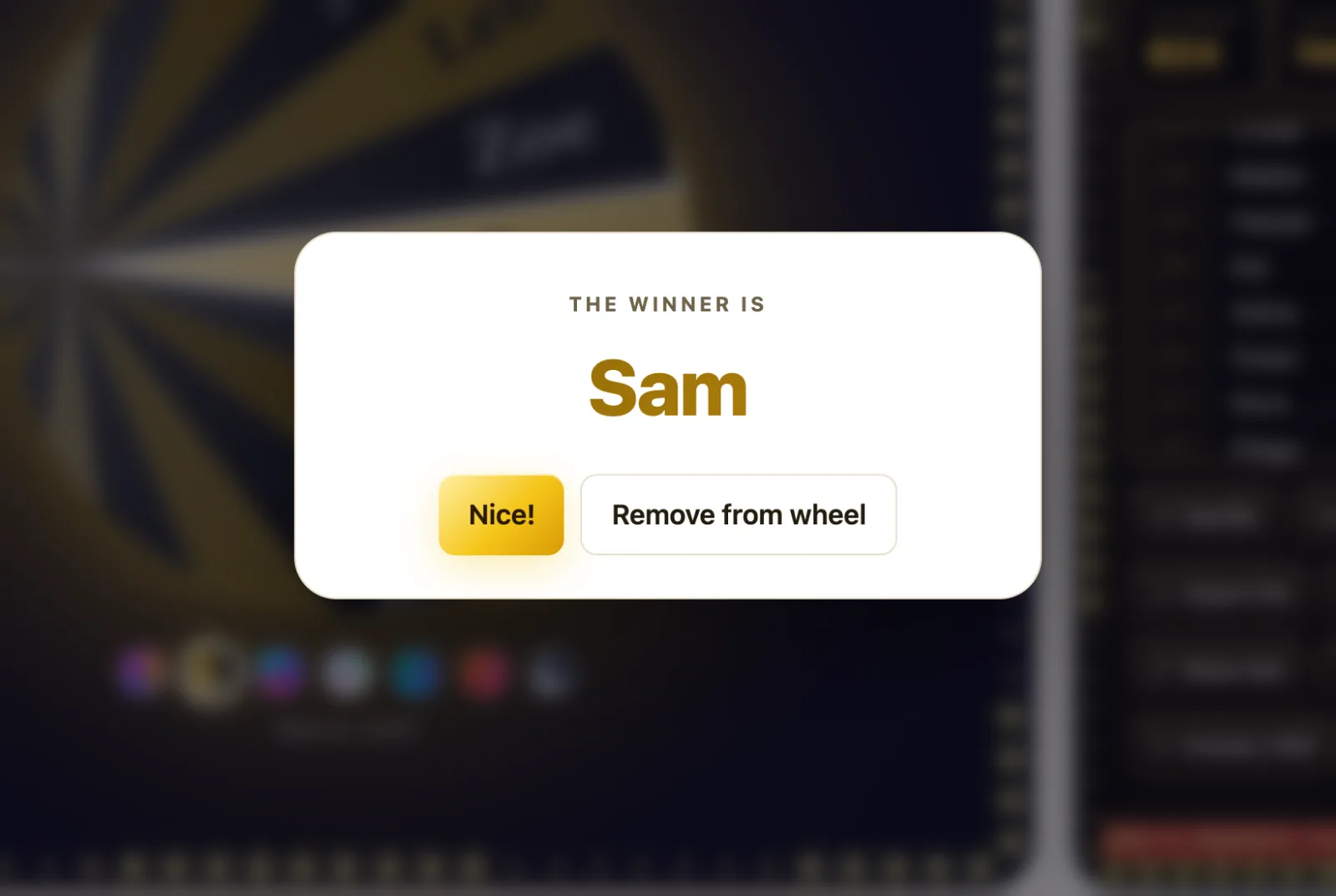
- Spin. Click the wheel, press the center SPIN button, or use Ctrl + Enter. A pop-up announces the student's name with a sound and confetti.
- Remove the name. In the pop-up, choose Remove from wheel. That student is out of the wheel until you reset it, so every student is called once before anyone is called twice. The Results tab lists who has been picked, in order.
- Save it for next time. Press Share to copy a link. The names live in the link itself, so bookmark one link per class and your wheels are ready every morning.
Press the fullscreen button to fill the projector. Pick a theme such as Midnight or Ocean with one click under the wheel, or give the wheel your school colors in the Brand tab. If sound is not welcome in your room, mute it with one click.
12 ways to use a random name picker in class
1. Cold calling that feels fair
This is the classic. Ask the question, give the room five seconds of silence, then spin. Because the wheel chooses, students stop reading your face for clues about who is next, and the student who is picked knows it was chance, not a trap. Use Remove from wheel so the same student cannot be hit twice in one lesson, and reset the wheel at the start of each class.
2. Reading turns
Popcorn reading, where the current reader picks the next one, tends to follow friendships. A spin picks the next reader instead. For younger readers, pair the spin with a "pass once" rule: a student who is not ready may pass one time and goes back on the wheel for later.
3. Presentation order
Nobody wants to present first, and the order can cause arguments. Spin once per slot and write the order on the board. Students accept a random order far more easily than one you assigned, and the wheel settles it in two minutes instead of a ten-minute negotiation.
4. Random groups and partners
Need four groups of six? Draw four columns on the board, spin, and put each name in the next column as it comes up. Because you remove names as you go, every student lands in exactly one group. For pairs, spin twice and write the two names together. It takes a little longer than a dedicated random group generator, but the class watches every pick, so nobody feels that the groups were rigged.
5. Classroom jobs and helpers
Line leader, board eraser, paper passer, plant waterer, tech helper. Spin on Monday morning to assign the week's jobs. Keep a separate wheel of job names and a wheel of student names, and spin both: a job, then the student who gets it. Jobs stop being a reward for the teacher's favorites and start being a turn everyone gets.
6. Who goes first
Board games, debates, kickball teams, the one working computer. "Who goes first" is the smallest argument in school and the most frequent. A spin ends it instantly, and the loser cannot complain, because the wheel does not have a side.
7. Warm-up and exit ticket questions
The wheel does not have to hold names. Put ten review questions or discussion prompts on it and let a student spin to choose the warm-up. Then spin the name wheel for who answers. Two spins, two moments of suspense, and the class is focused before the lesson has really started.
8. Review games with a quiz
For a bigger review session, pair the name picker with a live quiz. Run a classroom quiz game where the whole class answers on their phones, and after each question spin the wheel to pick one student to explain why the right answer is right. The quiz gets everyone answering; the wheel gets one student talking.
9. Brain breaks and reward choices
Make a wheel of five-minute activities: a stretch, a quick drawing challenge, a song, a joke from a student, two minutes of free talk. When the class earns a break, a student spins. Because the reward is random, you avoid the daily debate over which break is better, and the spin itself is part of the fun.
10. Seating and desk shuffles
When it is time to move seats, number the desks and spin the name wheel, assigning students to desks in order. Students who always sit together get mixed, and no one can say you split them up on purpose. Do it once a month and the shuffle becomes a routine instead of a punishment.
11. Project topics and essay prompts
Twelve topics for a history project and thirty students who all want the same two? Put the topics on the wheel and spin for each student, or let each student spin for their own. You can also spin for the order in which students choose, which keeps some choice while removing the scramble.
12. Friday prize draws and shout-outs
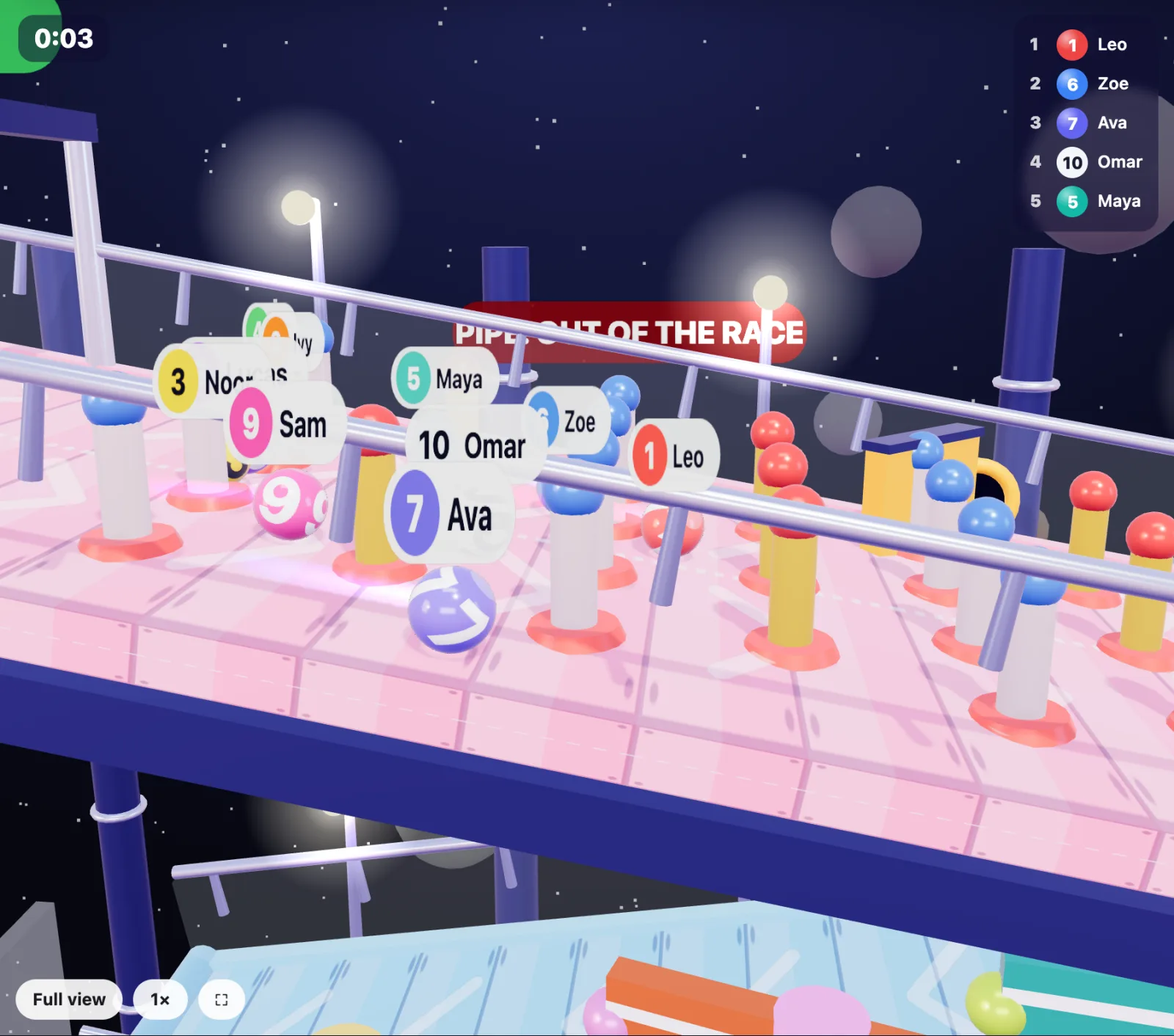
Many classrooms keep a ticket system for positive behavior. Instead of a hat, add one entry per ticket a student earned, and spin on Friday for the prize. For a bigger finish, race the names instead: PickWhim's marble race turns the draw into a 3D race the class can cheer for, and the winner is still picked by a fair random draw. Use the same idea for a weekly shout-out: spin for one student, and the class says something kind about them.
Equity sticks or a digital classroom name picker?
Both work, and plenty of teachers use both. Here is how they compare in practice.
| Popsicle sticks in a cup | Digital name picker wheel | |
|---|---|---|
| Setup | Write 30 sticks per class, by hand | Paste the class list once, bookmark the link |
| Visibility | Only you see the draw | The whole class sees the spin on the board |
| Everyone gets a turn | Set drawn sticks aside | Remove from wheel after each pick; the Results tab keeps the list |
| Several classes | One cup per class | One link per class |
| Remote or hybrid lessons | Does not work on a screen share | Share your screen, or send the link |
| Cost | A bag of sticks | Free, ad-supported, no account |
| When the Wi-Fi is down | Always works | Needs a browser and a connection to load |
If you teach the same class in the same room all day, sticks are hard to beat for simplicity. If you teach five sections, share a classroom, or teach online some days, a digital wheel saves real time.
How to keep random calling kind
Cold calling has critics, and they have a point: being put on the spot can be stressful, especially for anxious students and language learners. These habits keep the benefits and drop the stress.
- Ask first, spin second. Give everyone thinking time before anyone knows who will answer. Never spin before the question is out.
- Allow a lifeline. A student can say "I'd like to hear someone else first" and answer after the next student. They stay on the wheel.
- Use think-pair-share. Let students talk to a neighbor for 30 seconds, then spin. The student who is picked is reporting a conversation, not performing alone.
- Accept partial answers. "I'm not sure, but I think..." is a good answer. Build on it instead of moving on.
- Never use the wheel for consequences. The moment the spin picks who cleans up or who loses recess, students stop trusting it for everything else.
- Tell students it is random. Show them the wheel, explain that every name has the same chance, and let a student press spin now and then. Trust in the tool is what makes it work.
Frequently asked questions
Is the random name picker really random?
Yes. PickWhim picks the winner with your browser's secure random number generator, and every name on the wheel has exactly the same chance. The spinning animation shows the result; it does not decide it.
Can I make sure every student is called before anyone is called twice?
Yes. After each spin choose Remove from wheel. The name leaves the wheel and appears in the Results tab. When the wheel is empty, reload your saved link and everyone is back on it.
Do my students need an account or an app?
No. The wheel runs in the browser on the teacher's computer. Students only need to watch the board. There is no sign-up for anyone and no app to install.
How do I save a wheel for each of my classes?
Paste a class list, press Share and bookmark the link. The names are stored in the link, so one bookmark per class is all you need. Your lists are not uploaded to a server.
Can I use it with an interactive whiteboard?
Yes. Open the wheel in the whiteboard's browser and press the fullscreen button. Students can tap the wheel to spin it, which many teachers use as a small reward.
How many names fit on the wheel?
Up to 20,000, so a single class is no problem. With more than about 40 names the slices get thin and the pop-up does the announcing, which still works for a whole grade level.
Is a random name picker fair to anxious students?
It can be, if you ask the question before spinning, allow a lifeline, and let students talk to a partner first. Used that way, random calling spreads participation without putting anyone on the spot unprepared. See the tips above.
Can I pick a random group instead of a single student?
Yes. Spin repeatedly and place each name in the next group as it comes up, removing names as you go. Every student lands in exactly one group, and the class watches each pick.