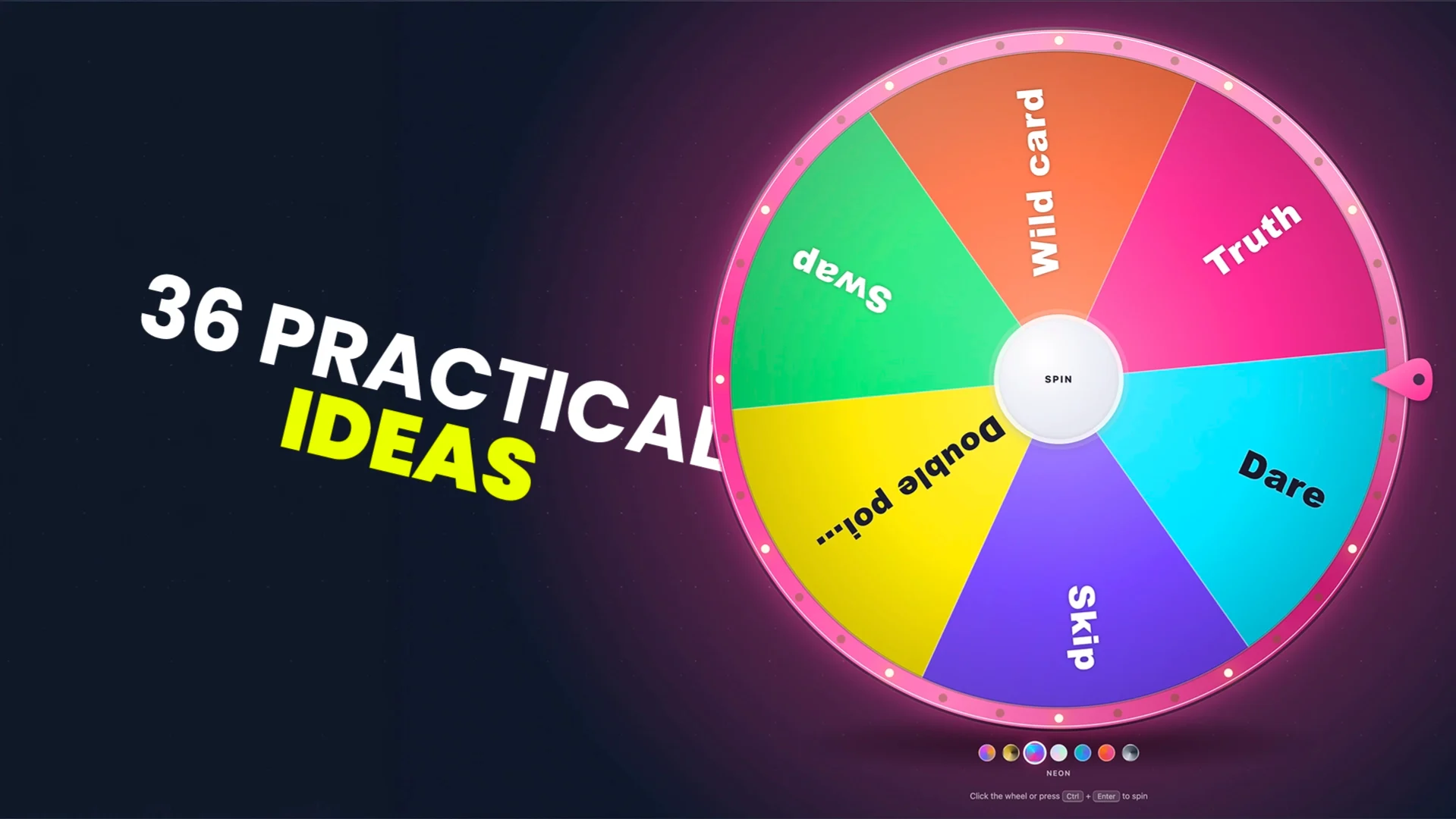
A spin the wheel is one of the simplest tools on the internet, and one of the most useful. You add a list, you spin, and the wheel picks for you. People use it to choose students, draw giveaway winners, settle dinner debates, run party games and keep a stream chat busy. This guide collects 36 practical ideas, sorted by where you use them, with a ready-to-copy wheel for each one.
You can use a spin the wheel for any choice where you want a fair, random result that everyone can see: picking a person, a prize, a task, a game, a meal or a topic. Open the free PickWhim spin the wheel, paste your list, and spin. No sign-up and no download.
Why a wheel works better than "just picking"
A wheel does two things a quick decision in your head can't. First, it is random, so no option gets favored. Second, it is visible: everyone watches the same spin, so nobody argues with the result. That combination is why the same tool shows up in classrooms, offices, streams and family kitchens.
- It removes bias. The wheel doesn't know who raised their hand last time or who the boss likes.
- It creates a moment. The slow-down, the tick, the reveal. A spin turns a boring choice into something people want to watch.
- It ends debates. Once the group agrees to let the wheel decide, the decision is final.
- It is fast. Paste a list and spin. There is nothing to set up or install.
Every idea below works on the PickWhim wheel. Where a feature helps, such as removing the winner after each spin or adding a second prize wheel, it is called out so you can set it up in seconds.
 Foto: strvnge films (unsplash)
Classroom and teaching
Teachers were among the first people to put a random wheel on the projector, and for good reason. A wheel keeps every student alert, because anyone could be next, and it takes the "you always pick her" complaint off the table.
1. Random student picker
Paste your class list once and the wheel calls on students for you. Turn on Remove winners from the list so everyone gets a turn before anyone is picked twice. Save the wheel as a share link and reuse it all year.
Try this wheel: Ava, Ben, Chloe, Diego, Emma, Finn, Grace, Hassan, Isla, Jack…
2. Review game before a test
Put topics or question numbers on the wheel. Spin, read the question, and let the class (or a picked student) answer. It feels like a game show, but it is a review session. For a full quiz with buzzers and a scoreboard, try the free live quiz instead.
Try this wheel: Fractions, Decimals, Word problems, Geometry, Graphs, Bonus question
3. Vocabulary and sentence wheel
Add this week's vocabulary words. A student spins and has to use the word in a sentence, define it or translate it. Language teachers can run two wheels: one with verbs, one with tenses.
Try this wheel: Curious, Reluctant, Abundant, Fragile, Persuade, Ancient
4. Group and partner maker
Spin to fill groups one name at a time, or put group numbers on the wheel and let each student spin for their own. Random groups mix friend circles and stop the "nobody picked me" moment.
Try this wheel: Group 1, Group 2, Group 3, Group 4
5. Brain break wheel
When attention drops, spin for a two-minute break activity. Students love not knowing which one is coming.
Try this wheel: 10 jumping jacks, Silent stretch, Would you rather, Draw a monster, Dance for 30 seconds, Deep breaths
6. Classroom jobs and rewards
Assign the line leader, the plant waterer and the board cleaner with a spin on Monday morning. On Fridays, spin a reward wheel for the class if they hit their goal.
Try this wheel: Extra recess, Music while working, Sit anywhere, No homework pass, Teacher reads a story
Work, meetings and teams
At work the wheel solves a different problem: nobody wants to be the one who decides. Who goes first, who takes the boring task, which question kicks off the meeting. A spin makes it neutral.
7. Who speaks first in standup
Put the team on the wheel and spin for the speaking order. It keeps the same two people from always leading, and it adds thirty seconds of fun to a meeting that needs it.
Try this wheel: Your team's first names
8. Icebreaker question wheel
Great for remote teams and new hires. Spin, and the question lands on the screen for everyone to answer. Build a long list once and you have icebreakers for months.
Try this wheel: Best meal this month? Hidden talent? First job? One app you can't live without? Go-to karaoke song?
9. Task and chore assignment
Someone has to take notes, order lunch or clean the shared kitchen. Spin a name wheel for each task and nobody can say it wasn't fair. Use Remove winners from the list so one person doesn't get everything.
Try this wheel: Take notes, Book the room, Order lunch, Send the recap, Update the board
10. Retrospective and brainstorm prompts
Put discussion prompts on the wheel and spin between topics. It keeps a retro moving and gives quiet team members a prompt that isn't "any thoughts?"
Try this wheel: What went well? What slowed us down? One thing to try next sprint, A shoutout, A risk we are ignoring
11. Office raffle and employee recognition
Draw the winner of the holiday raffle, the parking spot for the month or the "employee of the quarter" gift card. Spin on the big screen so the whole office sees it. For a company-wide event, a virtual team-building quiz pairs well with a prize wheel at the end.
Try this wheel: Everyone who bought a raffle ticket, one line per ticket
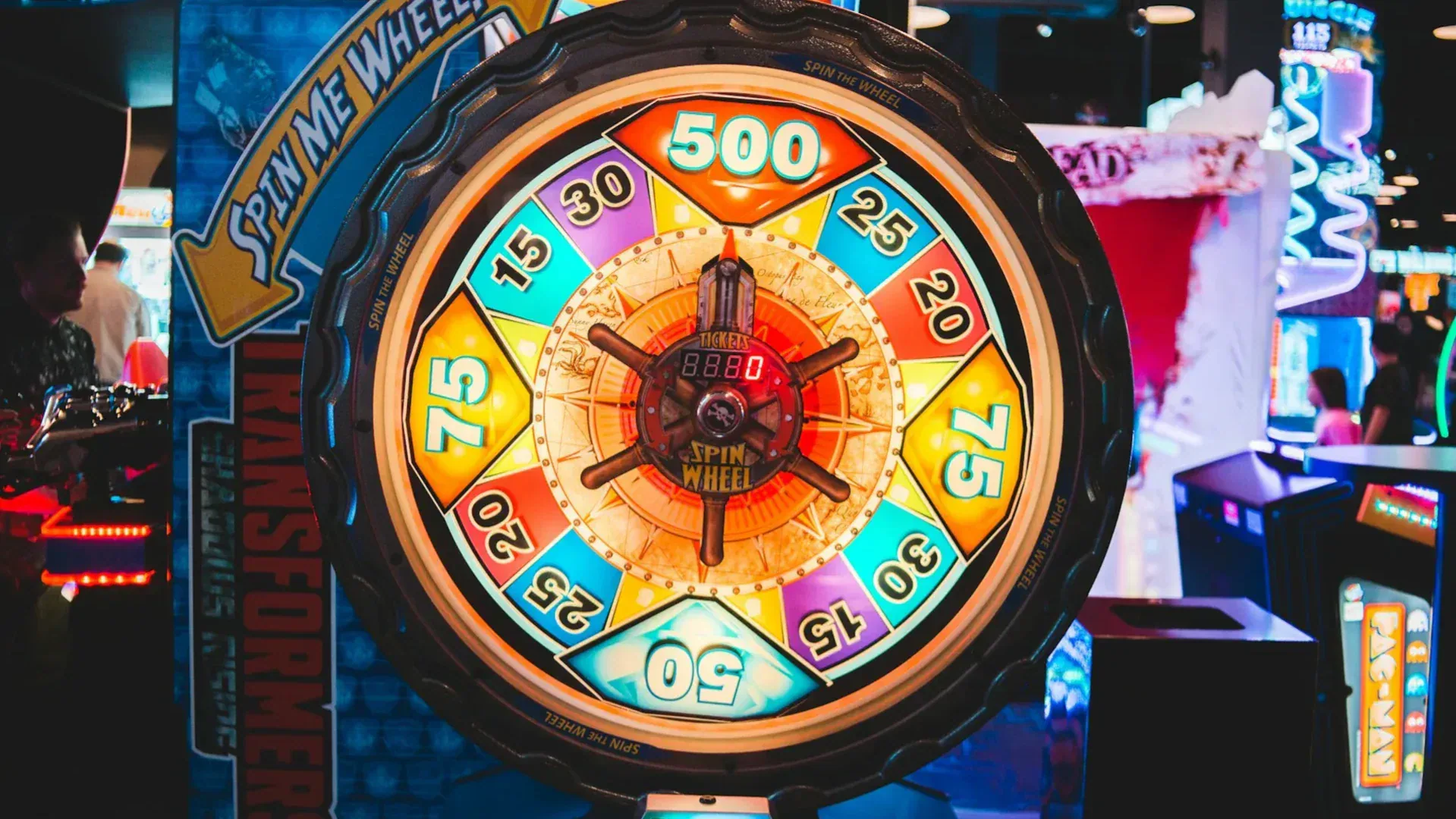 Foto: erik mclean (unsplash)
12. Decide between two good options
When a team is split on two logos, two names or two launch dates and both are fine, stop debating and spin. The wheel ends ties quickly, and people accept the result because it is clearly random.
Try this wheel: Option A, Option B
Giveaways, raffles and contests
This is the wheel's most popular job. A spin is a transparent way to pick a winner: everyone sees the entries, everyone sees the spin, and everyone sees who won.
13. Social media giveaway winner
Copy the names of everyone who entered on Instagram, Facebook, TikTok or X, paste them into the wheel and spin. Record the spin and post it so entrants can see it was random. Our giveaway guides cover rules, entry collection and what to say in the winner post.
Try this wheel: One entrant per line, with duplicates removed before you spin
14. Raffle with weighted entries
Someone bought three tickets? Add their name three times. Each line is one slice, so a name that appears three times has three times the chance. That is the honest way to run a ticket-based raffle on a wheel.
Try this wheel: Maria, Maria, Maria, Sam, Sam, Priya
15. Spin for the prize, not the person
Turn it around: the winner is already known, and the wheel decides what they get. Put the prizes on the wheel and let the winner spin live. The Prizes mode in Settings does both in one go: the first spin picks a winner, then a second wheel with your prizes spins automatically.
Try this wheel: Gift card, T-shirt, Sticker pack, Free month, Mystery box
16. Knockout elimination
For a dramatic finale, switch on Knockout mode. Each spin removes one entry, and the last name standing wins. It builds tension across a whole event or stream, and it works with any number of entries.
Try this wheel: All finalists, then spin until one is left
17. Spin again and jackpot slices
Add a slice called ↻ Spin again for suspense, or ★ Jackpot for a rare big prize. Both are built into the wheel and get a special reveal. A jackpot slice next to twenty regular slices keeps people spinning.
Try this wheel: 10% off, Free shipping, ↻ Spin again, 15% off, ★ Jackpot, 10% off
Streaming and content creation
On Twitch and YouTube the wheel is content. Chat joins, the wheel spins on screen, and the result decides what happens next. The PickWhim wheel can read Twitch chat so viewers join by typing a word, and it drops into OBS as a transparent overlay. The full setup is in our guide on adding a spin the wheel to your Twitch stream.
18. Viewer giveaway from chat
Viewers type !join and land on the wheel. Spin live, and the winner claim timer gives them a moment to respond before the wheel moves on. Subscribers can get extra entries if you want to reward them.
Try this wheel: Connect Twitch chat in the Entries tab and pick a join word
19. Next game or challenge picker
Let the wheel choose what you play next, or add a twist to the game you are already playing. Viewers love seeing the streamer get stuck with a hard one.
Try this wheel: No-build run, Pistol only, Inverted controls, Speedrun the next level, Chat picks the loadout
20. Sub goal and milestone rewards
When you hit a follower or sub goal, spin for what you owe chat. Put the rewards up front so everyone knows what they are working toward.
Try this wheel: Cosplay stream, New emote, Karaoke song, 24-hour stream, Cooking stream
21. Video and podcast topic picker
Can't decide which video to make next? Add the ideas your audience suggested and spin on camera. The spin itself becomes a clip, and the audience feels heard.
Try this wheel: Your top ten audience-requested topics
22. Chat games with a twist
Combine the wheel with other live tools: spin to pick which viewer joins a marble race, or which category the next chat quiz round will use.
Try this wheel: Movies, Music, Gaming history, Geography, Chat's choice
Parties, family and game night
At home the wheel is a referee. It decides who goes first, what you play and who does the dishes, without a single argument.
23. Party game wheel
Fill the wheel with dares, questions and mini-games. Each guest spins once. Keep the dares friendly so everyone has fun.
Try this wheel: Sing the chorus of the last song you heard, Tell an embarrassing story, Do your best celebrity impression, Swap seats with someone, Compliment the person on your left
24. Kids' chore wheel
Kids accept a chore from a wheel far more easily than from a parent. Spin on Saturday morning and let each child spin for their own job.
Try this wheel: Dishes, Vacuum, Feed the pet, Take out the trash, Fold laundry, Water the plants
25. Movie and board game night picker
Everyone adds one movie or game. The wheel picks. No vetoes. If you want a little mercy, add a "Spin again" slice.
Try this wheel: Everyone's pick, one per line
26. Who goes first
The oldest dispute in board games. Put the players on the wheel and spin. For turn order, use Remove winners from the list and spin until the list is empty.
Try this wheel: Player names
27. Gift exchange and Secret Santa order
Spin to decide who opens first in a white elephant exchange, or spin for who gets to steal. The order is random and nobody can sulk about it.
Try this wheel: Everyone at the exchange
28. Truth or dare and conversation starters
Family dinners, road trips, sleepovers. A wheel of questions gets everyone talking without one person having to be the host.
Try this wheel: Best day this year? Dream vacation? One thing you would change about school? Something you are proud of?
Everyday decisions
Most of us waste more time on small choices than big ones. A wheel of fine options makes the choice in five seconds and frees the time you spent debating.
29. What's for dinner
Add the meals you actually cook. Spin on your way home. Add the meals you order too, and let the wheel decide between cooking and takeout.
Try this wheel: Tacos, Stir-fry, Pasta, Pizza night, Soup and bread, Leftovers, Order in
30. Where to eat
Friends in a group chat can never agree on a restaurant. Add the nominees and spin. Share the link in the chat so everyone sees the same wheel.
Try this wheel: The five places you keep going back and forth on
31. Weekend activity and date night
Fill a wheel with things you keep saying you should do. Spinning turns "someday" into "this Saturday."
Try this wheel: Hike, Museum, Cook something new, Board game cafe, Day trip, Movie marathon, Try a new neighborhood
32. What to read, watch or listen to next
Your to-read list is long and you never start anything. Put the titles on the wheel and let it pick. The same works for your podcast queue, a backlog of games or a list of recipes to try.
Try this wheel: The next six books on your list
Fitness, habits and self-improvement
Randomness beats routine when you are bored of a plan. A wheel adds variety, and the small surprise makes it easier to start.
33. Workout wheel
Add exercises and spin between sets. Each spin is a mini-challenge, and you never do the same workout twice. Add a rest slice so the wheel can give you a break.
Try this wheel: 20 squats, 10 push-ups, 30-second plank, 15 lunges, 1-minute jump rope, Rest 60 seconds
34. Habit and self-care wheel
Pick one small good thing to do today. Because it is random, it doesn't feel like a to-do list.
Try this wheel: Walk 15 minutes, Call a friend, No phone for an hour, Drink a glass of water, Write three lines in a journal, Stretch
35. Study and practice wheel
Studying for an exam, practicing an instrument or learning a language? Put the subjects or skills on the wheel and spin to decide what the next 25 minutes are about. It stops you from always practicing the easy part.
Try this wheel: Scales, Sight reading, That hard section, Play through, Improvise
36. Creative prompts
Writers, artists and designers use wheels to break a blank page. One wheel for a character, one for a setting, one for a twist. Spin all three and start.
Try this wheel: A lighthouse keeper, A retired detective, A talking cat, A lost astronaut, A market trader
 Foto: eric anderson (unsplash)
Events, shops and fundraisers
A wheel at a booth is a crowd magnet. People stop, they spin, they win something small, and they remember you.
- Trade show booth wheel: put prizes and a few "spin again" slices on the wheel, show it full screen on a tablet or TV and let visitors spin. Add your logo in the center and your brand colors on the slices from the Brand tab.
- Spin to win in a shop: customers who buy something spin for a discount on their next visit. The wheel keeps a list of winners under the stage, so you can note what each person won.
- Fundraiser and school fair: sell spins for a dollar and put donated prizes on the wheel. Smaller prizes on more slices, one big prize on a single slice.
- Launch and webinar giveaways: at the end of a live session, spin for an attendee prize. Share your screen so everyone watches.
How to set up a wheel for any of these ideas
- Open the PickWhim spin the wheel.
- In the Entries tab, paste your list, one option per line. You can also upload a text file or connect Twitch chat.
- Want some options to be more likely? Add them more than once.
- In Settings, choose a mode: standard, knockout or prizes. Turn on Remove winners from the list if each option should win only once.
- In the Brand tab, add a logo, colors and a background if the wheel is going on a screen or a stream.
- Press spin. Use Full screen for a projector or TV, Share link to send the exact wheel to someone else, or Embed / OBS to put it on a website or a stream.
Your entries and settings are saved in your browser, so the wheel is there when you come back. A share link carries the entries, the mode and the look, so a colleague or a co-host opens the same wheel you built.
Tips for keeping spins fair
- Clean the list first. Remove duplicates unless you mean them as extra tickets, and check for typos that split one person into two names.
- Set the rules before the spin. Who can enter, how many entries each person gets and what the prize is. Say it out loud or write it where people can see it.
- Spin in public. On a projector, on a shared screen or on a recording. Transparency is the whole point of using a wheel.
- Let the result stand. If you spin again because you didn't like the result, the wheel stops meaning anything. Use a "Spin again" slice if you want that chance to be part of the game.
- Use the claim timer for live giveaways. If the winner doesn't respond, the wheel removes them and spins again, so you never wait on someone who left.